
Free Project
KruigerSpeedLimit
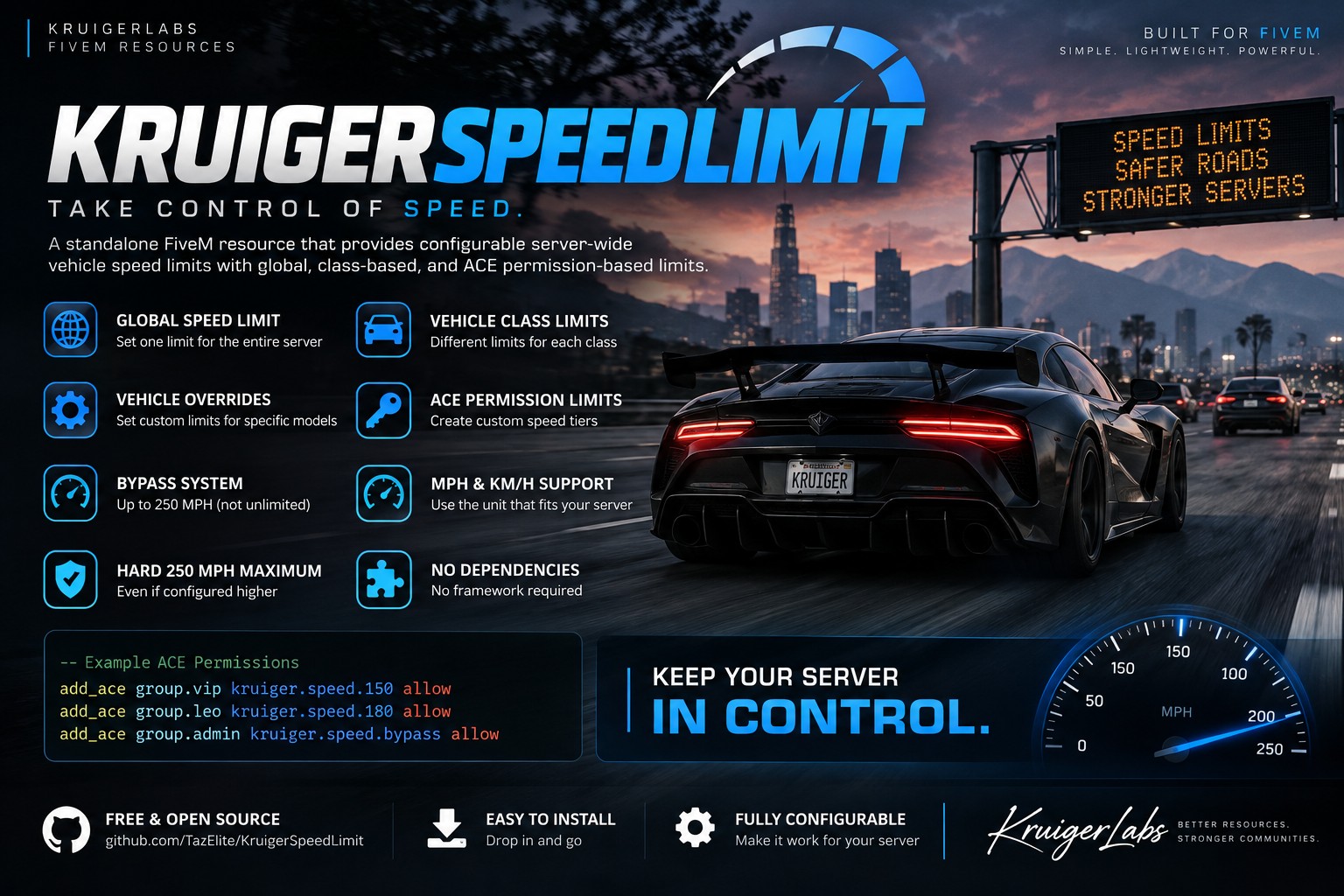
A standalone FiveM resource that provides configurable server-wide vehicle speed limits with global, class-based, and ACE permission-based limits up to 250 MPH.
Project documentation

KruigerServerSpeed
A standalone FiveM resource for enforcing configurable server-wide vehicle speed limits with optional vehicle-class limits and ACE-based higher speed tiers.
Features
- Global speed limit mode
- Separate vehicle class limit mode
- Optional per-vehicle overrides
- ACE-based speed tiers
- ACE bypass capped at 250 MPH
- Absolute 250 MPH maximum enforced by the resource
- MPH or KM/H configuration
- No framework required
- No dependencies
Installation
- Place
KruigerServerSpeedin your resources folder. - Add
ensure KruigerServerSpeedtoserver.cfg. - Configure
config.lua. - Add any desired ACE permissions.
ACE Examples
add_ace group.vip kruiger.speed.150 allow
add_ace group.leo kruiger.speed.180 allow
add_ace group.admin kruiger.speed.bypass allow
The bypass permission grants a maximum of 250 MPH, not unlimited speed.
Modes
Use one global limit:
Config.Mode = 'global'
Config.GlobalSpeedLimit = 120
Or use separate limits for each GTA vehicle class:
Config.Mode = 'class'Edit Config.ClassLimits to set the desired class speeds.
Vehicle Overrides
Specific models can override the normal global/class limit:
Config.VehicleOverrides = {
    [`police`] = 155,
    [`adder`] = 180
}
All configured limits are restricted by the resource's absolute 250 MPH maximum.
License
Licensed under the Kruiger Labs Community License v1.0. You may use and privately modify this resource for your own FiveM server, but redistribution, reuploading, resale, sublicensing, and claiming the work as your own are prohibited. See the LICENSE file for the complete terms.
Developed by Kruiger Labs LLC
📚 Documentation
For complete installation, configuration, commands, permissions, usage, and troubleshooting, see the official Kruiger Labs documentation.
📖 Full Documentation:
https://kruigerlabs.xyz/docs/free-scripts/kruigerspeedlimit
📚 Documentation Center:
https://kruigerlabs.xyz/docs/
❓ FAQ:
https://kruigerlabs.xyz/docs/faq
For the most up-to-date setup instructions, always refer to the Kruiger Labs Documentation Center.