
Free Project
KruigerScenes
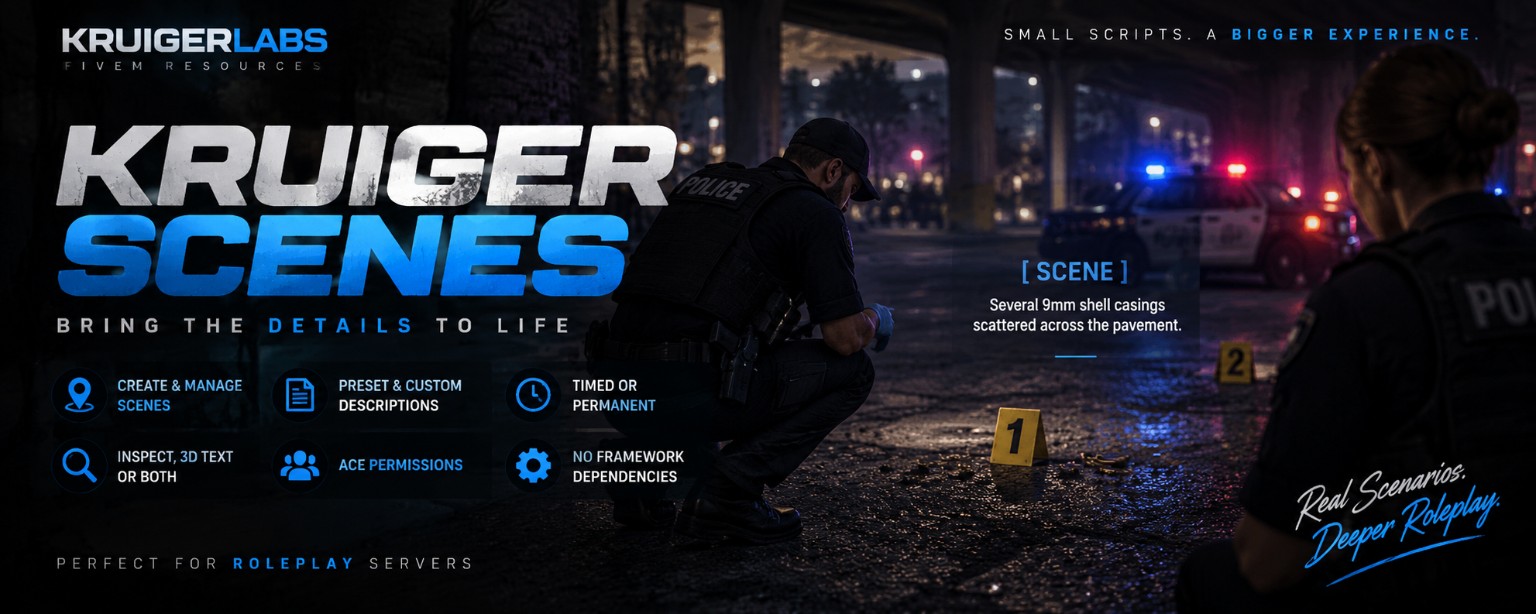
A standalone FiveM RP scene system that allows players to create, place, inspect, and manage synchronized scene descriptions with presets, ACE permissions, timed scenes, and persistent storage.
Project documentation

KruigerScenes
Standalone synchronized RP scene and evidence-description system for FiveM.
Features
/scenecreation menu/scenesscene manager- Raycast placement directly into the world
- Blood, shell casing, broken glass, debris, burn mark, footprint, evidence and custom presets
- Inspect-only, 3D-text or combined display modes
- Timed and permanent scenes
- Permanent scenes persist to
scenes.json - Server-side ACE validation
- Per-player scene limits and creation cooldown
- Text sanitization and length limits
- Configurable view/interact distance
- No ESX/QBCore
- No dependencies
Install
- Place
KruigerScenesin your FiveM resources folder. - Add
ensure KruigerScenestoserver.cfg. - Add the ACE permissions you want.
- Restart the resource/server.
ACE permissions
add_ace group.leo kruiger.scenes.create allow
add_ace group.fire kruiger.scenes.create allow
add_ace group.admin kruiger.scenes.permanent allow
add_ace group.admin kruiger.scenes.manage allow
kruiger.scenes.create creates scenes.
kruiger.scenes.permanent allows Until Removed scenes.
kruiger.scenes.manage allows management/deletion of scenes belonging to others.
Set Config.AllowEveryoneToCreate = true if creation should not require ACE.
Usage
/scene opens the creation interface. Choose a preset, description, duration, display mode and view distance. Then aim at a surface and press E.
/scenes opens the active scene manager.
Persistence
Only scenes created as Until Removed are written to scenes.json. Timed scenes intentionally disappear after their configured duration.
License
MIT License — Copyright (c) 2026 KruigerLabs