
Free Project
KruigerNPC
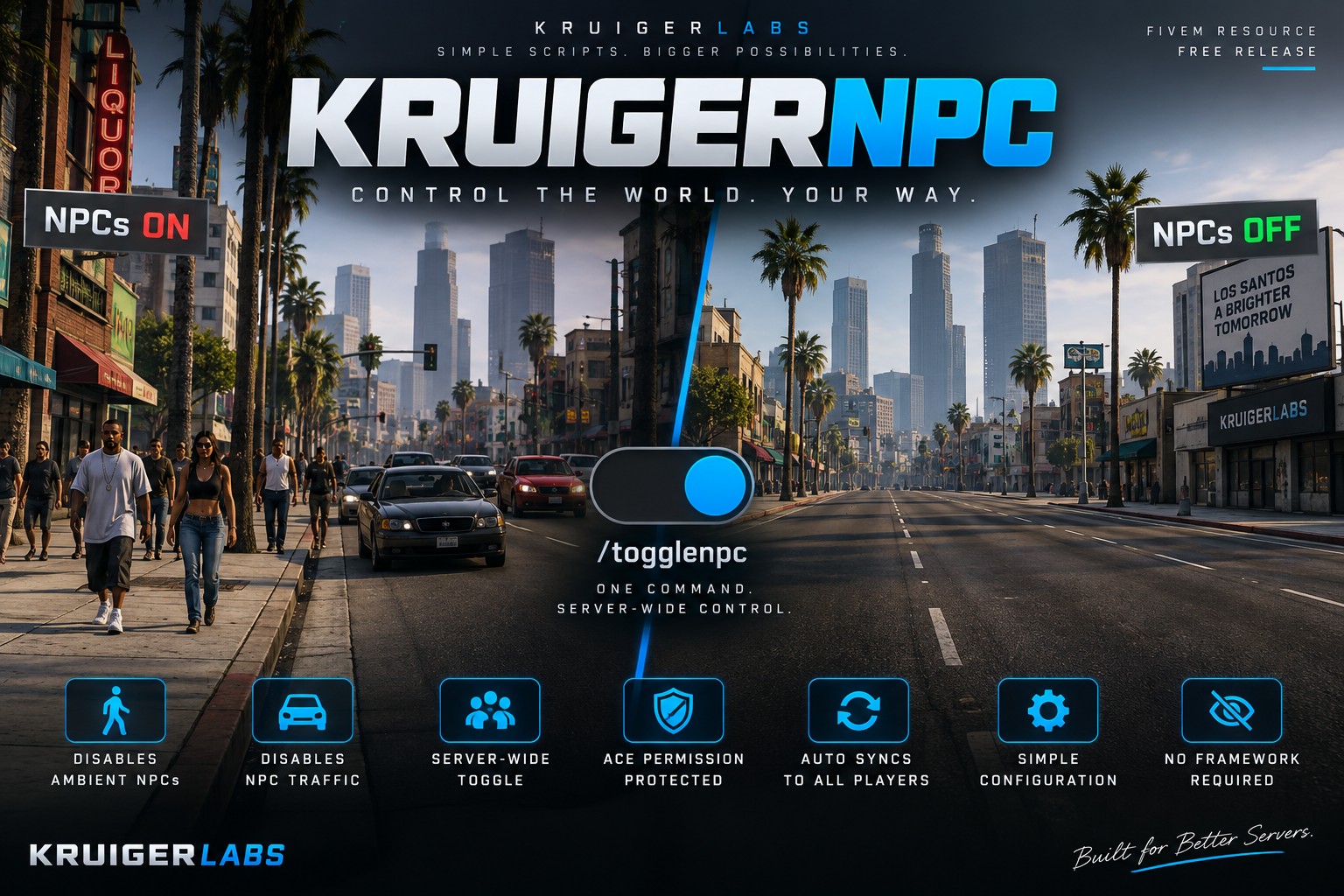
A simple standalone FiveM script that allows authorized staff to enable or disable NPCs and ambient traffic server-wide using /togglenpc.
Project documentation

KruigerNoNPC
A simple standalone FiveM resource that allows authorized staff to enable or disable ambient NPCs and NPC traffic server-wide using /togglenpc.
Features
- Server-wide
/togglenpccommand - ACE permission protected
- Disables ambient pedestrians
- Disables NPC-driven traffic
- Disables parked ambient vehicle density
- Synchronized state for all players
- New players receive the current state automatically
- Does not delete player peds or player vehicles
- Standalone
- No framework required
- No dependencies
Installation
- Download
KruigerNoNPC. - Place
KruigerNoNPCin your server'sresourcesfolder. - Add the following to
server.cfg:
ensure KruigerNoNPC
- Grant the toggle permission to the appropriate ACE group:
add_ace group.admin kruiger.npc.toggle allow
- Restart the server.
Usage
Run:
/togglenpc
Only players with kruiger.npc.toggle can use the command.
The command switches NPCs between enabled and disabled for the entire server.
Configuration
Edit config.lua:
Config.Command = 'togglenpc'
Config.AcePermission = 'kruiger.npc.toggle'
Config.DefaultDisabled = true
ACE Example
add_ace group.admin kruiger.npc.toggle allowIf you use a Discord-to-ACE permission resource, grant kruiger.npc.toggle through that resource's ACE setup.
Author
KruigerLabs
License
Licensed under the Kruiger Labs Community License v1.0. You may use and privately modify this resource for your own FiveM server, but redistribution, reuploading, resale, sublicensing, and claiming the work as your own are prohibited. See the LICENSE file for the complete terms.
📚 Documentation
For complete installation, configuration, commands, permissions, usage, and troubleshooting, see the official Kruiger Labs documentation.
📖 Full Documentation:
https://kruigerlabs.xyz/docs/free-scripts/kruigernpc
📚 Documentation Center:
https://kruigerlabs.xyz/docs/
❓ FAQ:
https://kruigerlabs.xyz/docs/faq
For the most up-to-date setup instructions, always refer to the Kruiger Labs Documentation Center.