
Free Project
KruigerHandsUp
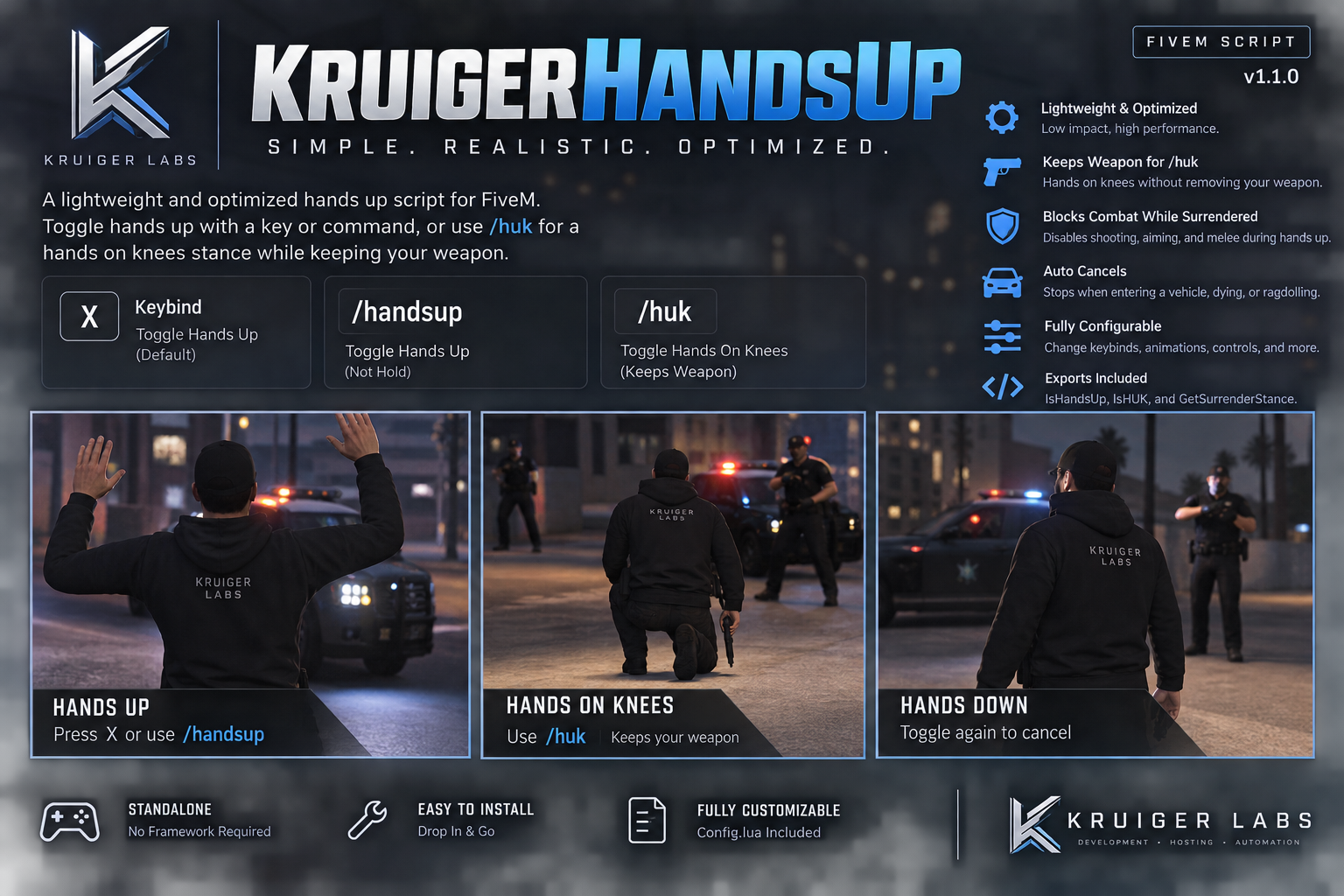
KruigerHandsUp is a lightweight FiveM surrender script featuring toggleable hands up, /huk hands-on-knees, weapon retention, configurable controls, and optimized performance.
Project documentation

KruigerHandsUp v1.1.0
A lightweight standalone surrender-animation resource for FiveM by Kruiger Labs LLC.
Features
- X toggles hands up/down
/handsuptoggles hands up/down/huktoggles the hands-on-knees/kneeling stance/hukkeeps the player's currently selected weapon rather than forcibly removing or switching it- Switching between
/handsupand/hukautomatically stops the previous stance - Standalone; no framework dependency
- Cancels the stance when dead, ragdolling, or entering a vehicle
- Blocks attacking, aiming, reloading, melee, and the weapon wheel while surrendering
- Configurable animations and controls
- Client exports for integrations
Installation
Place KruigerHandsUp in your resources folder and add:
ensure KruigerHandsUpCommands
/handsup
/huk
Exports
local handsUp = exports['KruigerHandsUp']:IsHandsUp()
local huk = exports['KruigerHandsUp']:IsHUK()
local stance = exports['KruigerHandsUp']:GetSurrenderStance()
stance returns handsup, huk, or nil.
Configuration
Edit config.lua to change the hands-up key, commands, animations, animation flags, or disabled controls.
License
Licensed under the Kruiger Labs Community License v1.0. You may use and privately modify this resource for your own FiveM server, but redistribution, reuploading, resale, sublicensing, and claiming the work as your own are prohibited. See the LICENSE file for the complete terms.
📚 Documentation
For complete installation, configuration, commands, permissions, usage, and troubleshooting, see the official Kruiger Labs documentation.
📖 Full Documentation:
https://kruigerlabs.xyz/docs/free-scripts/kruigerhandsup
📚 Documentation Center:
https://kruigerlabs.xyz/docs/
❓ FAQ:
https://kruigerlabs.xyz/docs/faq
For the most up-to-date setup instructions, always refer to the Kruiger Labs Documentation Center.